Why app data is a separate matter
When changing phones, most people rely on automatic transfer from a Google account or the manufacturer's setup wizard. That works for contacts, photos and some settings — but it does not guarantee that data held inside an app will come across.
The reason is technical. Apps that store data locally keep it in their own private area on the device. Whether that area is included in a system backup depends on the app's settings, the Android version and how backup is configured. It is not something worth relying on unchecked.
Four situations where data disappears without warning:
- Uninstalling the app — removes local data along with it, including during a routine clear-out.
- A factory reset — the standard step before selling or handing on a phone.
- A fault or loss of the device — a phone that will not switch on can no longer produce a backup.
- Changing phones without transferring manually — the data stays on the old device until you wipe it.
The overriding rule: make the backup while the old phone still works and you still have access to it. Once the device is wiped, there is nothing left to recover.
When to make a backup
Not only before changing phones. The moments worth doing it:
- Before changing phones — before you start setting up the new device.
- Before a major system update — updates rarely cause problems, but a backup costs a minute.
- Before uninstalling or clearing app data — including when you plan to reinstall from scratch.
- After a big data-entry session — having recorded the contents of a whole room, starting again would hurt.
- Before handing the phone in for repair — a service centre may perform a factory reset without asking.
- On a regular cycle — once a month with active use.
Domowik creates a full JSON backup that you can protect with a password. View on Google Play →
Full backup versus export
This distinction decides whether the data can be restored at all. The files look similar but serve different purposes.
| Format | What it is for | Restores the database |
|---|---|---|
| Full JSON backup | transferring and restoring all data | yes |
| CSV export | viewing in a spreadsheet, printing, analysis | no |
| ICS export | moving deadlines into a calendar | no |
CSV and ICS exports are useful — a spreadsheet of your possessions works well in a conversation with an insurer, and an ICS file lets you see deadlines in a calendar. Neither replaces a full backup, because neither carries all the relationships between records.
Use only a full backup to move to a new phone. A CSV file will let you read the list of things, but it will not restore linked deadlines, photos or the structure of your finances.
Moving your data step by step
Order matters here — most data loss comes from wiping the old phone before checking that the import worked.
New: If you’re switching phones or want to pass the database to a family member, you can now send the data directly over local Wi-Fi using a 6-digit code — no cable and no external servers. Both phones need to be on the same Wi-Fi network.
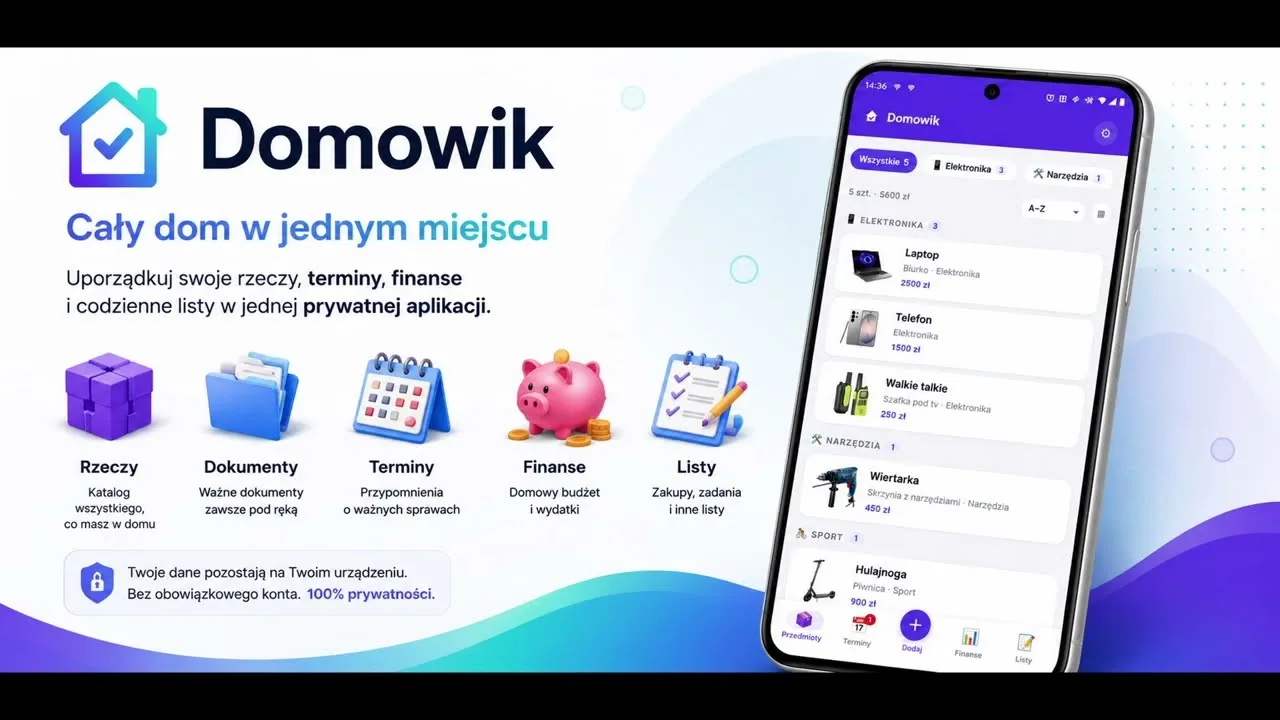 Watch how to move data over Wi-Fi in the video (20 seconds).
- On the old phone: create a full backup. In Domowik you will find this in Settings. Save the file to the device storage.
- Transfer the file to the new device. By cable to a computer, via USB storage, Bluetooth, email to your own address, or a cloud service of your choice.
- Verify the file arrived intact. Compare the file size on both devices. A file truncated during transfer will not import correctly.
- On the new phone: install the app and import the backup. Import before you start entering any new data.
- Check that everything is there. Details in the testing section below.
- Only now wipe the old phone. Not before.
It is worth keeping the backup file for a few weeks after the move — a missing item is often noticed only later.
Where to keep the backup file
How you transfer the file depends on how sensitive its contents are and how conveniently you want to retrieve it.
Transfer methods
- Cable to a computer — fastest for large files with photos, and the data never leaves your own devices.
- USB stick or memory card — convenient when there is no computer to hand.
- Email to yourself — simple, but the file lands on a mail server and stays there.
- A cloud service — convenient and reachable from any device; the file becomes subject to that provider's terms.
The three-copy rule, household edition
The full 3-2-1 rule used in business is overkill for household data, but a simplified version makes sense: keep a copy in at least two places, one of them away from home. A copy sitting only on the phone and on a computer in the same flat will not survive a fire or a burglary.
This matters especially if the app holds an inventory kept for insurance purposes — covered in more depth in our guide to creating a home inventory.
Encryption and passwords
A backup of household data can be more sensitive than it first appears. It may contain a list of valuable possessions together with where they are kept in the flat, photos of purchase documents, financial data and notes. That is exactly the sort of collection you would not want to leave on a stray memory stick.
Domowik lets you optionally protect the file with a password. It is worth using whenever the file leaves your own devices — going to email, cloud storage or a USB stick.
The password cannot be recovered. An encrypted file without its password is useless; there is no recovery procedure. Store it in a password manager or another safe place — but never in the same folder as the backup file.
Testing before you wipe the old phone
An import nobody has checked is not a backup, it is a hope. The test takes two minutes.
After importing the data on the new phone, check a few random records from each area:
- Items — whether the count matches and the photos display.
- Deadlines — whether upcoming dates are present and recurrence has been preserved.
- Finances — whether accounts and transaction history are complete.
- Lists — shopping, packing, tasks.
- Links between records — open an item that had a deadline attached and check it is still connected.
That last point matters most: the links between records are what separates a full backup from a plain list, and they are the easiest thing to miss in a cursory check.
In Domowik, import merges data rather than overwriting the whole database. That has a practical consequence: anything you managed to enter on the new phone before importing will not disappear. It is still better to import before starting work on the new device, to avoid tidying up duplicates afterwards.
How often to back up
The answer depends on how much work went into the data and how much of it you could reconstruct from memory.
- Active use (regularly adding items, deadlines, expenses) — once a month.
- Occasional use — once a quarter, and before every change of device.
- After major changes — regardless of the routine, following a session of heavier data entry.
Put the date in the filename
A backup is only useful if you know when it is from. If the app does not add the date automatically, put it in the name in YYYY-MM-DD format — the files will then sort chronologically on their own. Three recent copies are plenty; older ones can go.
While making the monthly backup, it is worth glancing at upcoming deadlines — if you keep them in the app, there are tips in our guide to tracking warranties and important deadlines.
Make the backup before you need it
Domowik creates a full JSON backup, optionally password-protected, and its import merges data instead of overwriting the database.
Get Domowik on Google Play Scan with your phone
Common mistakes
- Wiping the old phone before verifying the import. The most expensive mistake on this list and, at the same time, the most common.
- Relying on the system backup. There is no guarantee it covers a particular app's data.
- Using CSV instead of a full backup to migrate. The file will open in a spreadsheet but will not restore a database with its relationships.
- Keeping the copy only on the same device. It protects against nothing — not loss, not theft, not hardware failure.
- An encrypted file with a forgotten password. Without the password the file is useless; there is no recovery procedure.
- The password stored next to the backup. That defeats the entire point of encrypting it.
- Files with no date in the name. After a few months there is no way to tell which copy is current.
- Checking only one module. A matching number of items does not mean deadlines and links came across too.
How this works in Domowik
Domowik has no server of its own for storing your database — data is saved locally on the device and does not sync automatically. That is a deliberate choice which gives you control over the data, but it moves the responsibility for backups onto you.
The tools available: a full JSON backup covering the entire database, export of selected modules, export of items to CSV and deadlines to ICS. The backup file can optionally be protected with a password. Import merges data instead of overwriting the database, so entries made earlier are not lost.
In practice one thing is worth remembering: before changing phones, uninstalling the app or performing a factory reset, make a full backup and verify it after importing.
Frequently asked questions
Will an Android backup transfer app data?
Not always. A system backup covers some app data, but the scope depends on the app's settings, the system version and how backup is configured. For data you care about, it is safer to create a backup from within the app itself.
Can I import the backup on two phones at once?
Yes, the file can be imported on more than one device. Bear in mind that the data does not sync between them — from the moment of import, each device keeps its own independent database.
What if the import fails with an error?
The most common cause is an incomplete file after transfer — check that the size matches the original. The second is an encrypted file with the wrong password. If the file comes from an older version of the app, it is worth updating the app before trying again.
Do I have to encrypt the backup file?
It is not compulsory, but it is worth doing whenever the file leaves your own devices. A backup may contain a list of valuable items along with their locations, financial data and photos of documents — information you would not want to share by accident.
How big is a full backup file?
It depends mainly on the number of photos. The text database itself is small, but item photos can multiply the file size considerably. When sending by email, it is worth checking the attachment size limit.
Will data come back if I reinstall the app?
Do not count on it. Uninstalling usually removes local data, and reinstalling gives you an empty app. Make the backup before uninstalling — afterwards there is generally nothing left to recover.